Sidebar
The sidebar is a very powerful tool that minigames have to display user interfaces. Arcade provides an api to display ui on a per-player basis dynamically. We can display up to 14 lines of text on the side of our player's screens.
Let's take a look at the FixedSidebar class, this manages a sidebar for our players. We can construct our sidebar providing a PlayerSpecificElement<Component> for the title of the sidebar:
// The ComponentElement object provides some utilities
val sidebar = FixedSidebar(ComponentElements.of(Component.literal("Sidebar Title")))
To add rows to our sidebar we must first discuss SidebarComponents, which is just a data class which holds the display element component as well as a score component, the display element will be aligned to the left, and the score component will be aligned to the right. We can create a SidebarComponent as follows:
SidebarComponent.withNoScore(Component.literal("My Display Element"))

SidebarComponent.withCustomScore(
    Component.literal("My Display Score"),
    Component.literal("My Right-Aligned Score!")
)
Now we can add these components to our Sidebar using the FixedSidebar#addRow method. This takes in PlayerSpecificElement<SidebarComponent>. By default addRow will append the rows to the bottom of the sidebar, you can also specify the index at which you want to insert your element using addRow(index, element), or if you want to overwrite a row you can use setRow(index, element).
val sidebar = FixedSidebar(ComponentElements.of(Component.literal("Sidebar Title")))

val displayElement = SidebarComponent.withNoScore(Component.literal("My Display Element"))
sidebar.addRow(UniversalElement.constant(displayElement))

val displayScore = SidebarComponent.withCustomScore(
    Component.literal("My Display Score"),
    Component.literal("My Right-Aligned Score!")
)
sidebar.addRow(UniversalElement.constant(displayScore))
These elements would result in a sidebar looking like so: 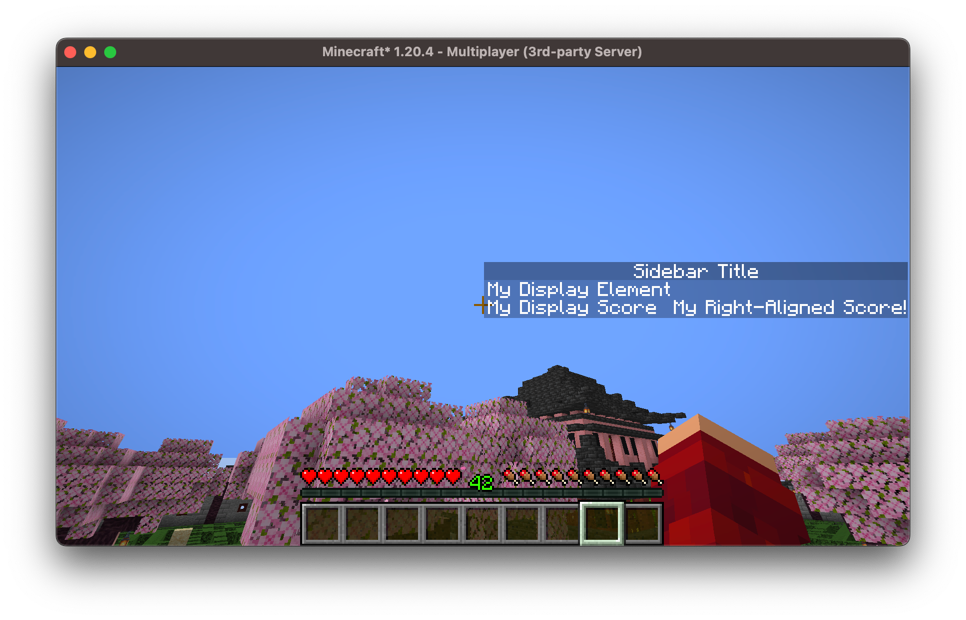
Now lets make our sidebar dynamic, providing some updatable elements:
val sidebar = FixedSidebar(ComponentElements.of(Component.literal("Sidebar Title")))

// Empty sidebar component
sidebar.addRow(SidebarElements.empty())
// Displays the player's xp level
sidebar.addRow { player ->
    SidebarComponent.withCustomScore(
        Component.literal("XP Level").bold(),
        Component.literal(player.experienceLevel.toString()).purple()
    )
}
// Displays the server's current tick
sidebar.addRow(UniversalElement { server ->
    SidebarComponent.withCustomScore(
        Component.literal("Ticks").italicise(),
        Component.literal(server.tickCount.toString()).lime()
    )
}.cached())
// Empty sidebar component
sidebar.addRow(SidebarElements.empty())
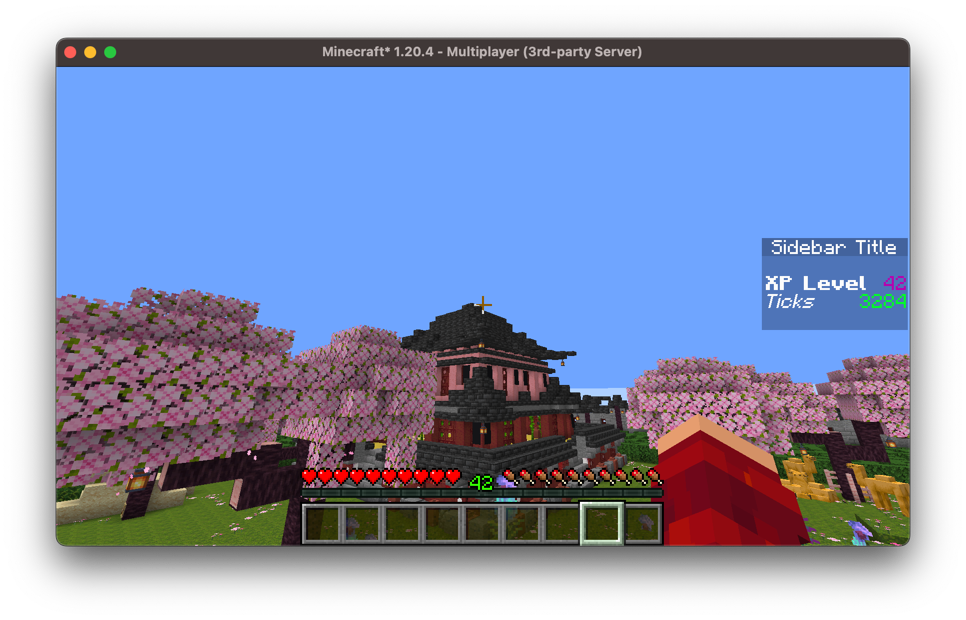
In game this looks like so: